How to run an AppSec scan via AquilaX
Five steps, start to finish: point the scanner at a repository, launch it, and read the vulnerability report that comes back. This is the same engine behind Vulnix0's Dynamic Application Security Testing module.
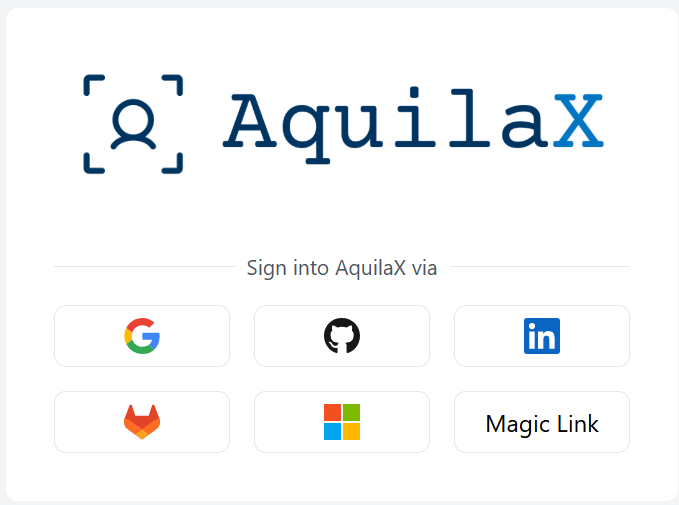
Log in to the AquilaX Portal
Begin by accessing the AquilaX platform. Navigate to the login page and enter your credentials. If you do not have an account, you will need to register for one. This is your gateway to the scanning dashboard.
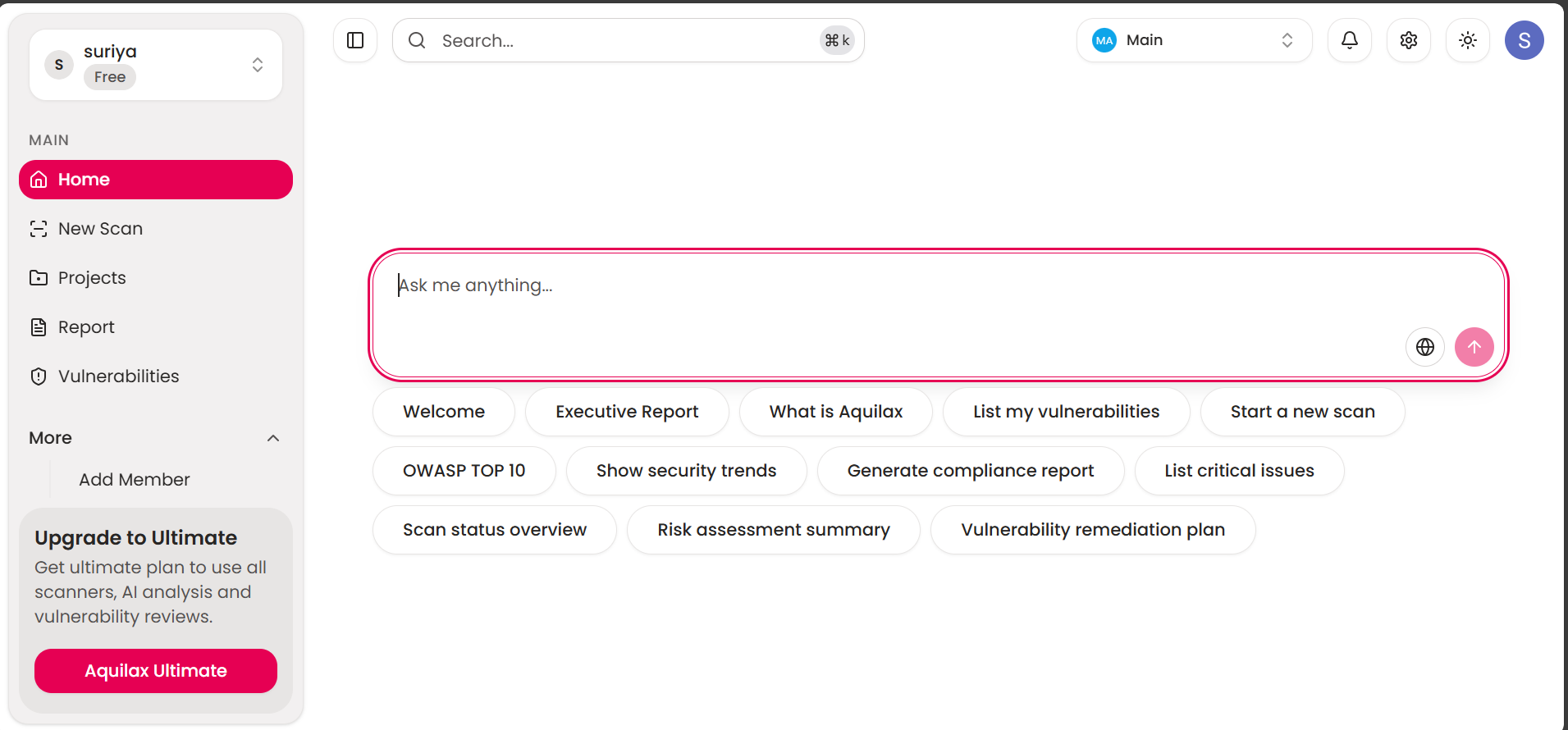
Navigate to New Scan
From the main dashboard, locate the "New Scan" option in the main navigation menu. This will take you to the scan configuration area where you'll define your target.
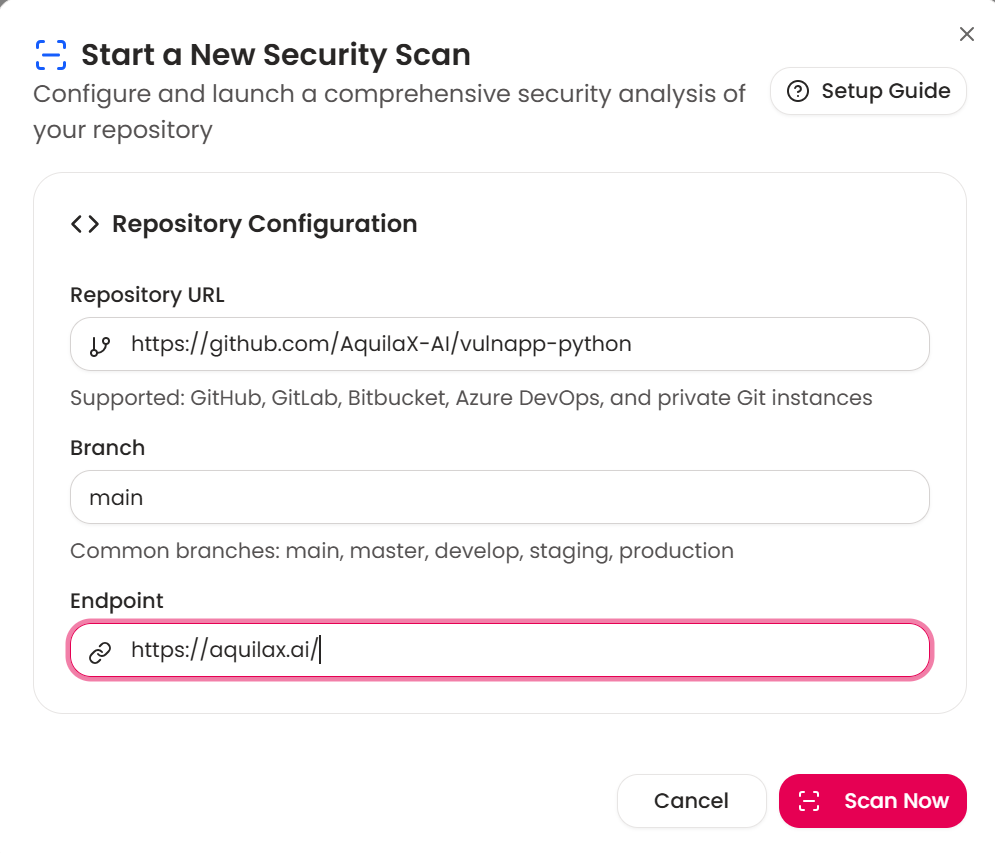
Configure Repository and Launch Scan
After navigating to the "New Scan" section, a "Start a New Security Scan" window will appear. Fill in the following details to configure and launch the scan:
- Repository URL: Enter the full URL of the code repository you intend to scan (e.g., GitHub, GitLab). For example:
https://github.com/username/repo. - Branch: Specify the name of the branch you want to analyze, such as
main,master, ordevelop. - Endpoint: Provide the URL that the scanner will target, like
https://aquilax.ai.
Once all fields are accurately filled, click the "Scan Now" button to begin the security analysis.
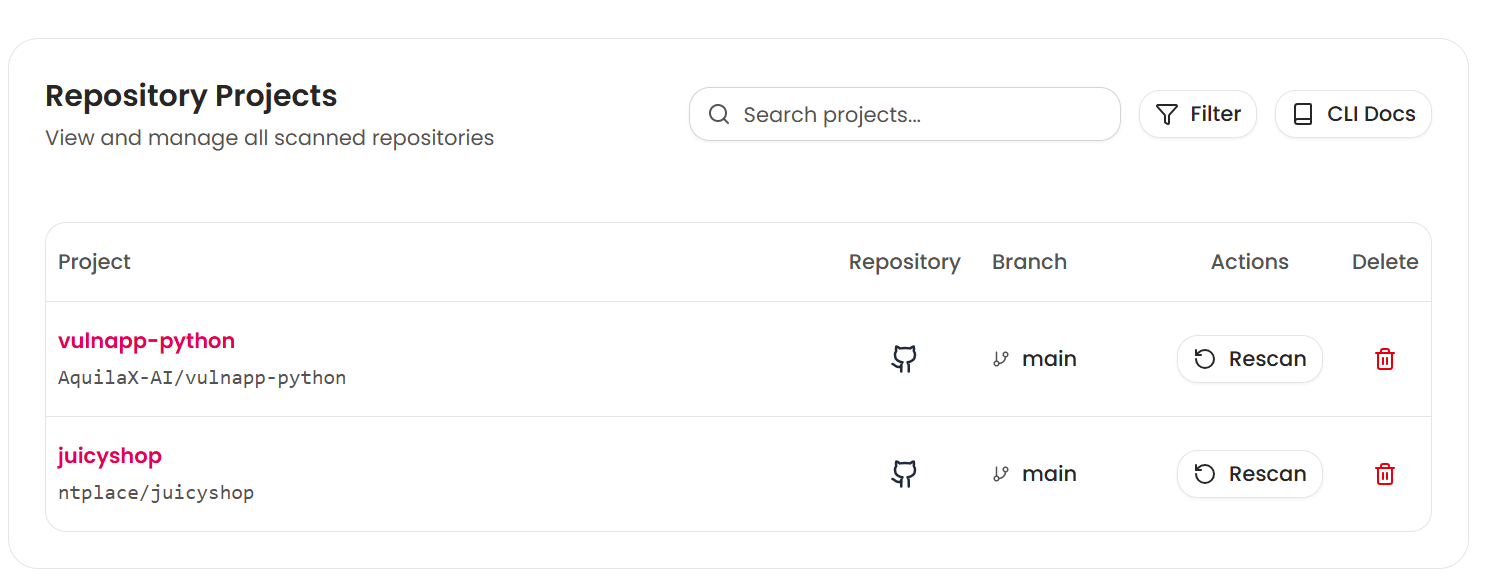
Check Scan Status in Projects
Once the scan is underway, go to the "Projects" tab on the main navigation menu. Find your repository in the list and click it to open the scan history.
You can monitor the progress of your scan here. When the status changes to "COMPLETED", click the "View" button to access the detailed vulnerability report.
Analyze the Vulnerability Report
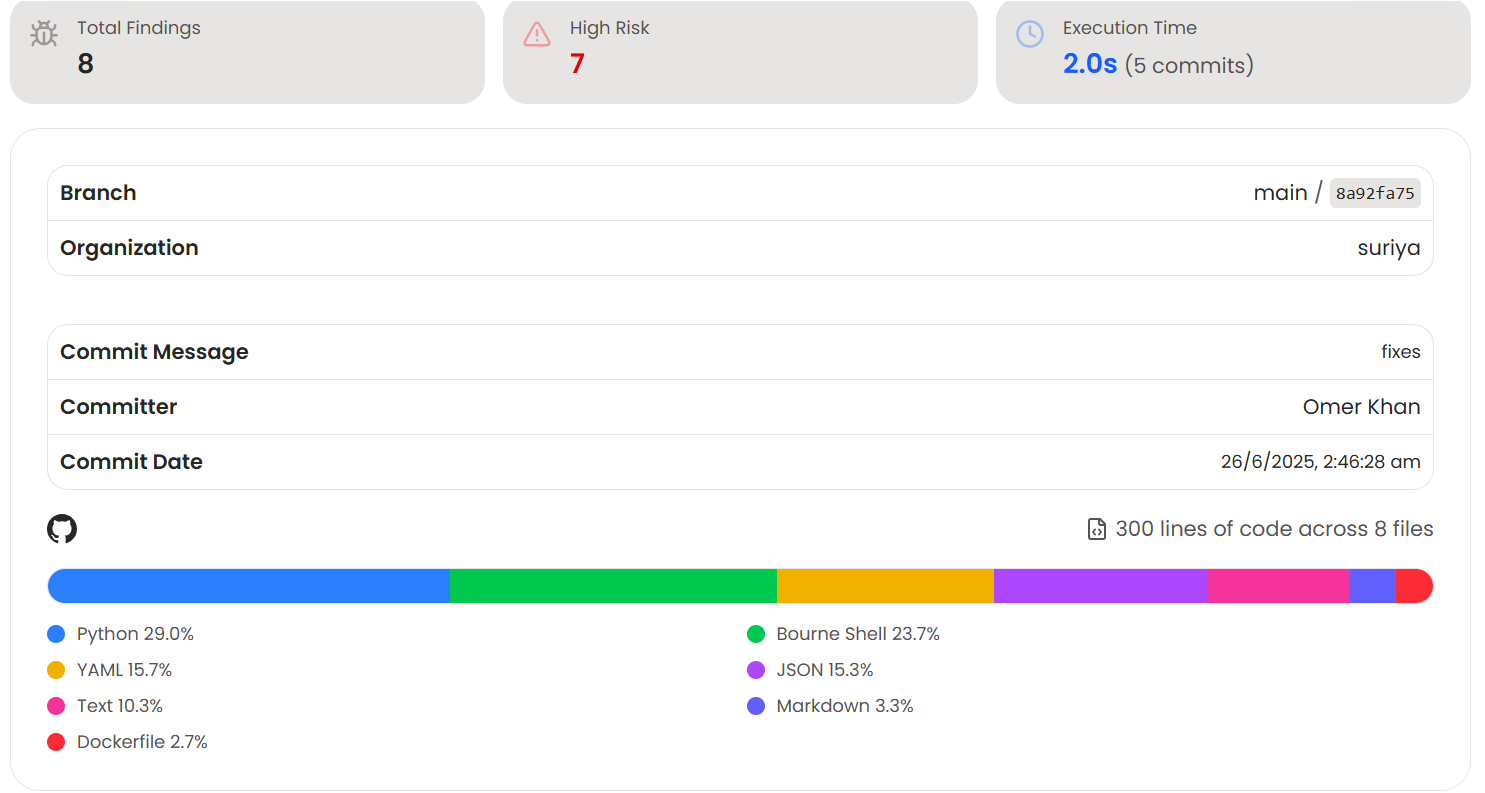
The results dashboard gives you a comprehensive overview of your repository's security posture. You can see the total findings, a breakdown by risk level, and key details about the scan, such as the branch and commit information.
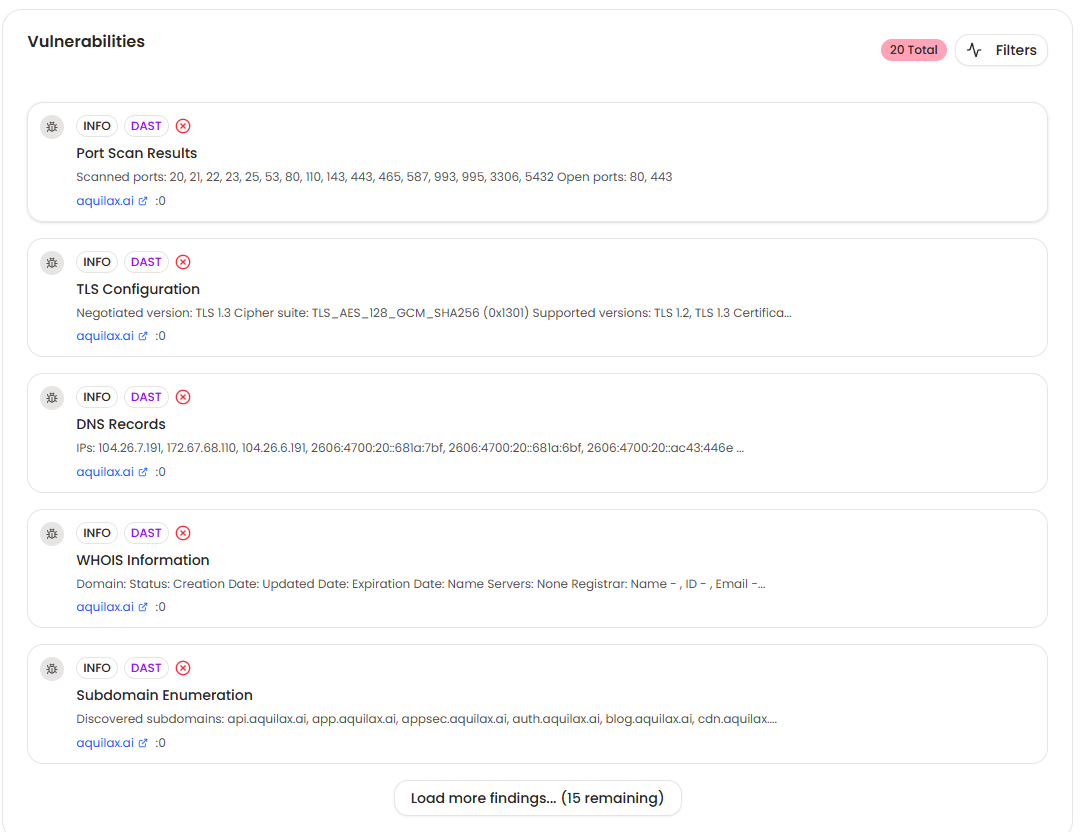
Scroll down to the "Vulnerabilities" section to see a detailed list of each issue. Each entry includes its severity, a description of the problem, and the exact location in the source code, allowing you to quickly pinpoint and address the risk.
Find out what an attacker would find. Today.
Request access, or talk to the team behind Vulnix0.

The first project out of Velocity Lab — OneFirewall Alliance's R&D team — built with AquilaX Security. AI-driven offensive security, from discovery to continuous exploit validation.