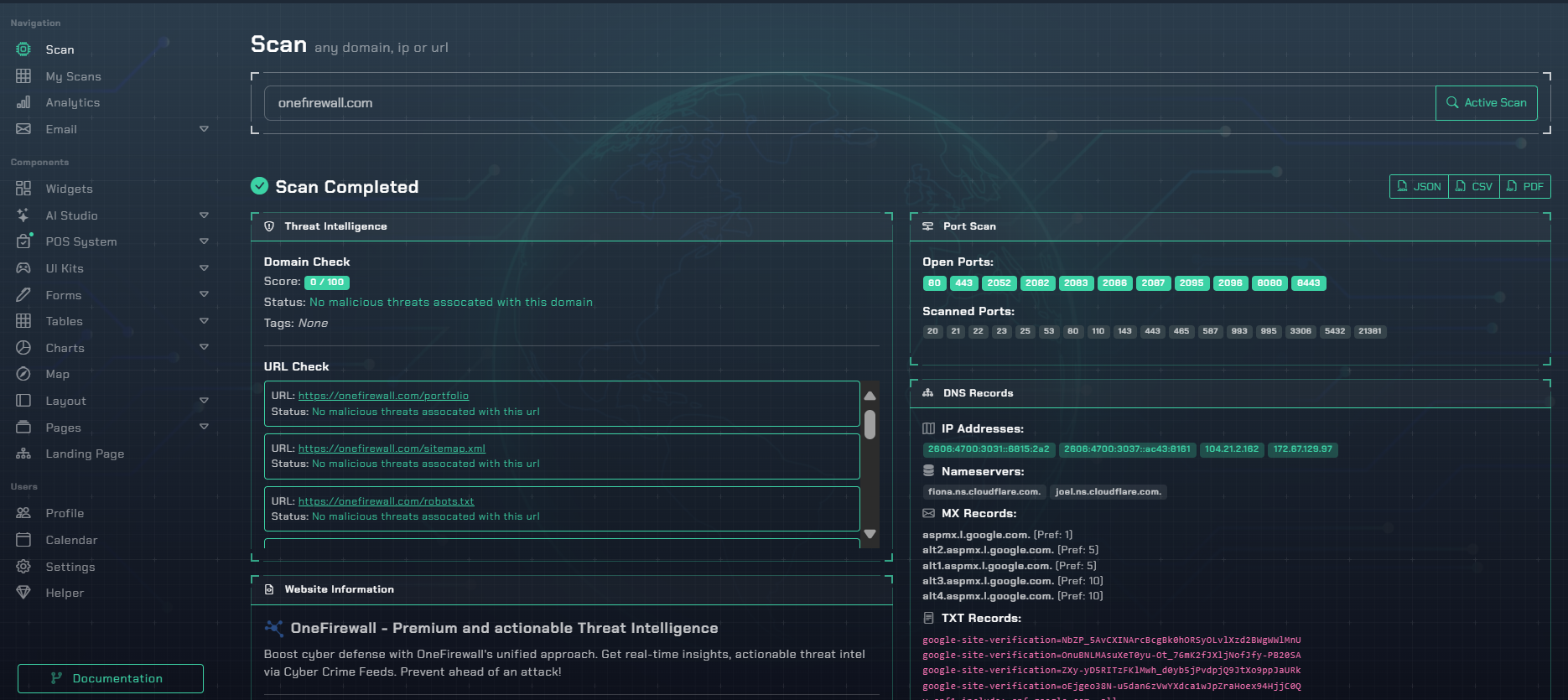
Beyond DAST: Comprehensive Attack Surface Analysis

Our Dynamic Analysis engine performs a deep reconnaissance of your live applications. We map your external attack surface by discovering subdomains, enumerating virtual hosts, and scanning for open ports. We analyze your DNS records (MX, SPF, DMARC), TLS configurations, and WHOIS data to build a complete picture of your infrastructure.

This data-driven approach allows us to dynamically test for real-world security posture weaknesses. We check for missing security headers, identify your technology stack, and even perform a non-invasive load test to check for rate-limiting. This is the exact, actionable intelligence you need to harden your live systems.

DAST Scan Results
Aggregated results from dynamic infrastructure and application analysis.

A Focus on Your Real-World Attack Surface

We test the assets you actually have exposed to the internet.

Attack Surface Discovery

Our engine discovers all subdomains and virtual hosts associated with your target, such as `api.aquilax.ai`, `auth.aquilax.ai`, and `status.chatgpt.com`, ensuring complete coverage of your web perimeter.

Security Posture Assessment

We analyze your live configuration for critical weaknesses, verifying TLS versions, cipher suites, and the presence of crucial HTTP headers like `Content-Security-Policy` and `Strict-Transport-Security`.

Endpoint Enumeration

Our engine discovers accessible web directories and files, testing thousands of paths to find exposed endpoints like `/dashboard`, `/analytics`, and `/sitemap.xml` that could reveal sensitive information.

Get Actionable, Data-Driven Results

Every finding is a direct result of our analysis, presented with the exact data you need to fix it.

Sample Finding: Missing Security Header

Missing Security Header: Content-Security-Policy - High Severity

The application is missing the `Content-Security-Policy` (CSP) HTTP header. This is a critical security control that helps prevent Cross-Site Scripting (XSS) and other code injection attacks by restricting the sources from which content can be loaded.

Evidence: Raw Scan Data

The following finding was taken directly from the `security_headers` check on `aquilax.ai`:

{
  "name": "Content-Security-Policy",
  "value": "",
  "present": false,
  "severity": "High",
  "recommendation": "Helps prevent Cross-Site Scripting (XSS) attacks by specifying valid sources for content. A strict policy is highly recommended."
}
Remediation Guidance

To remediate this, you must configure your web server to send the `Content-Security-Policy` HTTP response header. Start with a restrictive policy and gradually allow the specific domains your application needs to function.

Example Strict Policy:

Content-Security-Policy: default-src 'self'; script-src 'self'; style-src 'self'; img-src 'self'; object-src 'none';

This policy only allows resources to be loaded from the same origin. You will need to expand it to include any CDNs or third-party services you use.